

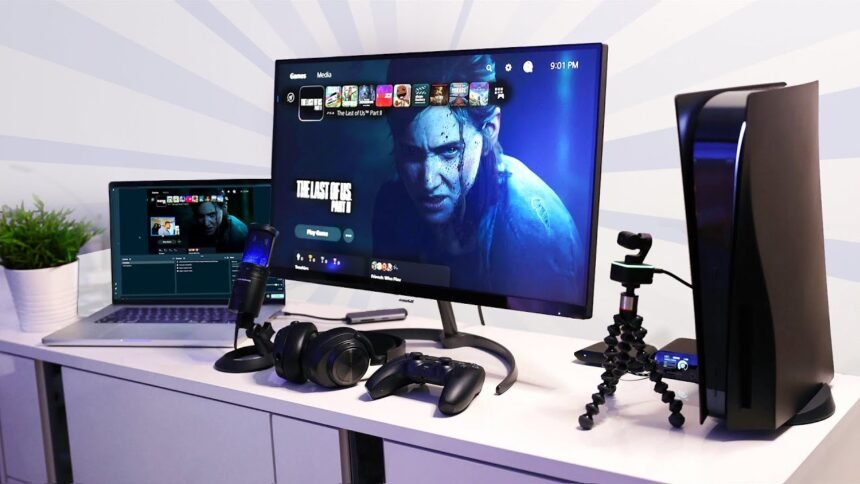
So, you want to be the next big thing on Twitch or YouTube Gaming. You have the skills, you have the personality, but you don’t have the gear. A common myth is that you need a $3,000 setup with a DSLR camera and a Shure SM7B microphone to start. You don’t.
In 2026, budget gear has become terrifyingly good. You can build a studio-quality setup that looks and sounds professional for less than the price of a mid-range monitor. We have hand-picked the best “bang for your buck” components to get you live for under $300 total.
1. The Microphone: Fifine AM8 or HyperX SoloCast ($50 – $60)
Audio is king. Viewers will forgive 720p video, but they will click off instantly if your audio sounds like a toaster.
Our Pick: Fifine AM8 This dynamic microphone is the hidden gem of 2026. It looks like a premium podcast mic, has RGB lighting (essential for gamers, obviously), and sounds incredibly warm and broadcast-ready via USB.
- Alternative: The HyperX SoloCast. It’s smaller, uglier, but the sound quality is crisp.
- Pro Tip: Don’t use the table stand. It picks up keyboard vibrations.
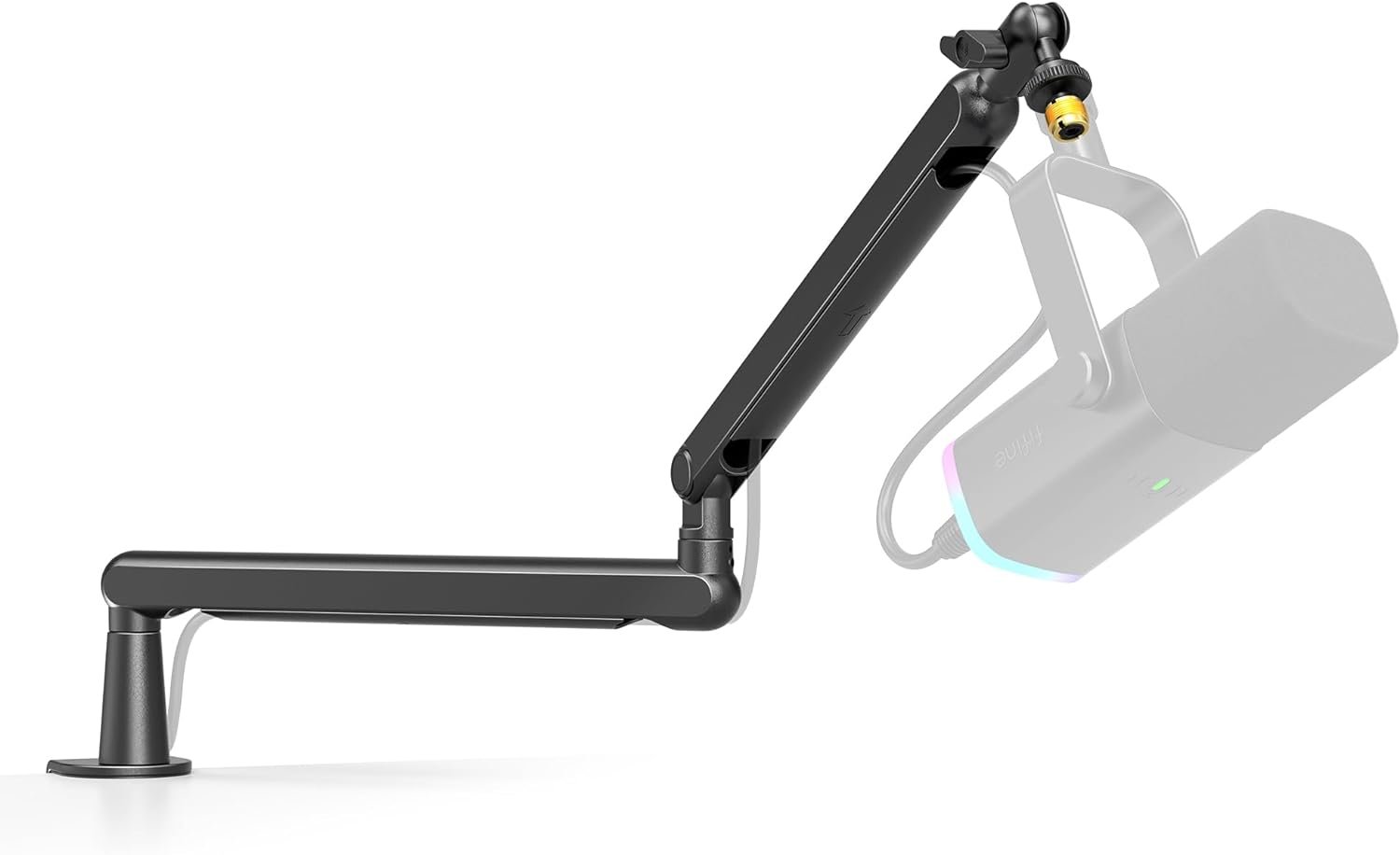
FIFINE Microphone Boom Arm
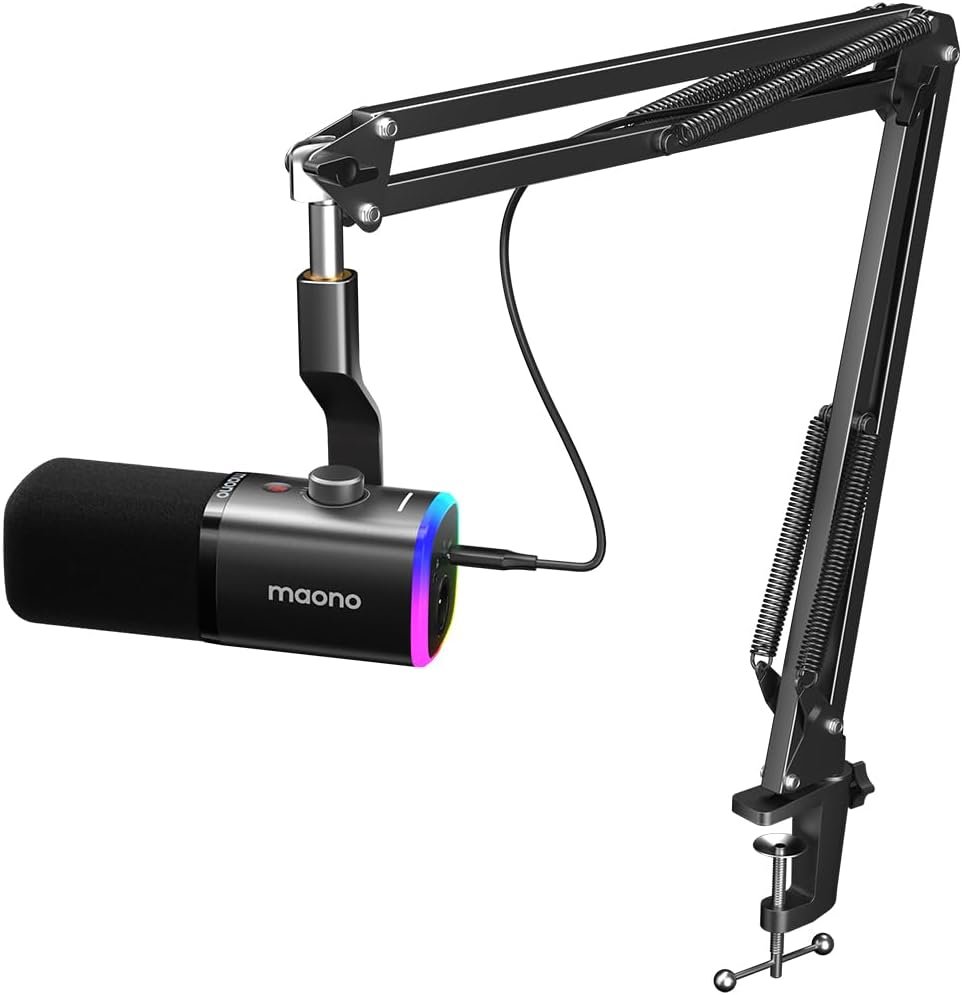
MAONO XLR/USB Gaming Microphone Kit
2. The Camera: Logitech C920x / Razer Kiyo X ($60 – $70)
You don’t need a 4K camera yet. Most people watch streams on phones where 1080p is more than enough.
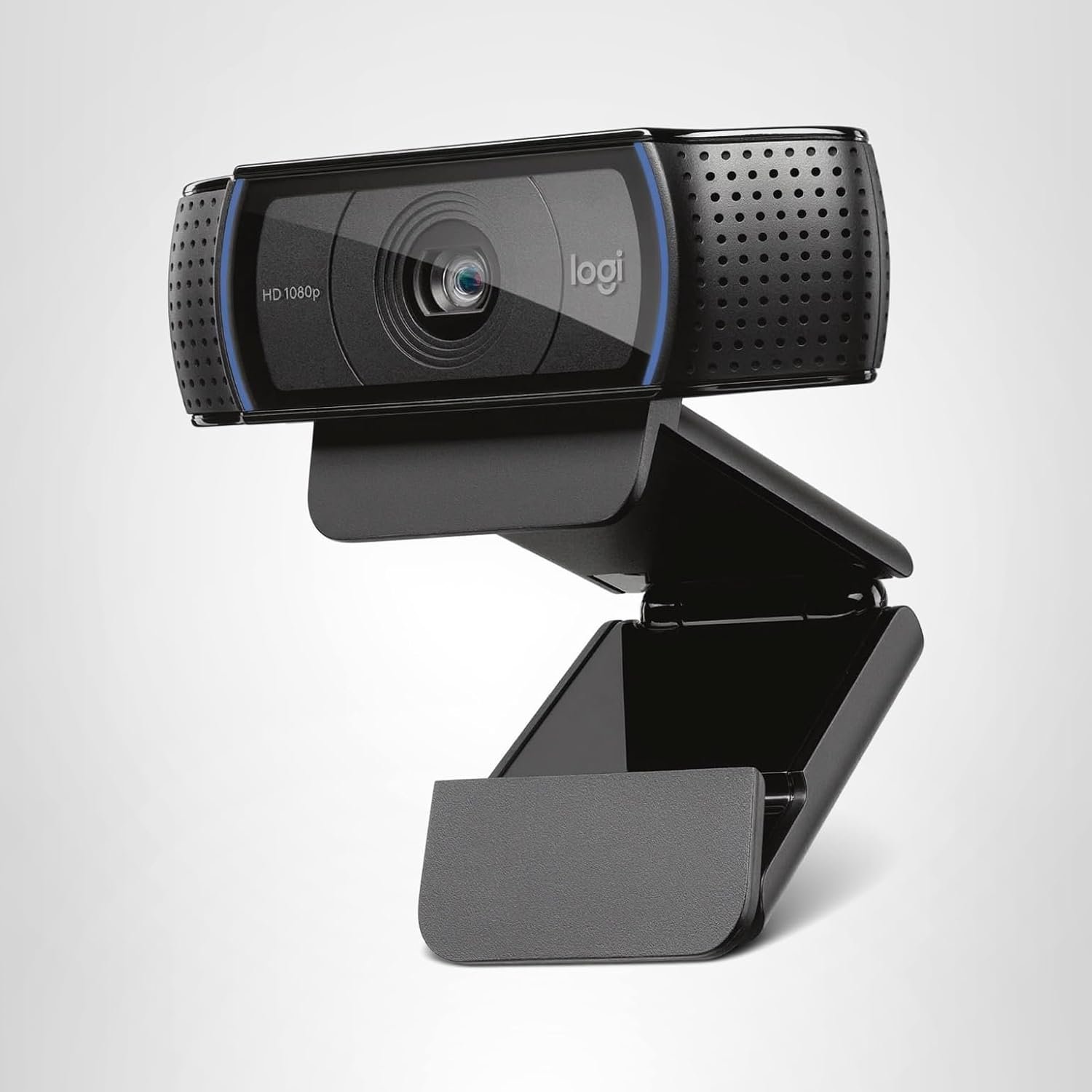
Our Pick: Logitech C920x (The Legend) This webcam has been the industry standard for a decade for a reason. It’s indestructible, has decent autofocus, and “just works.”
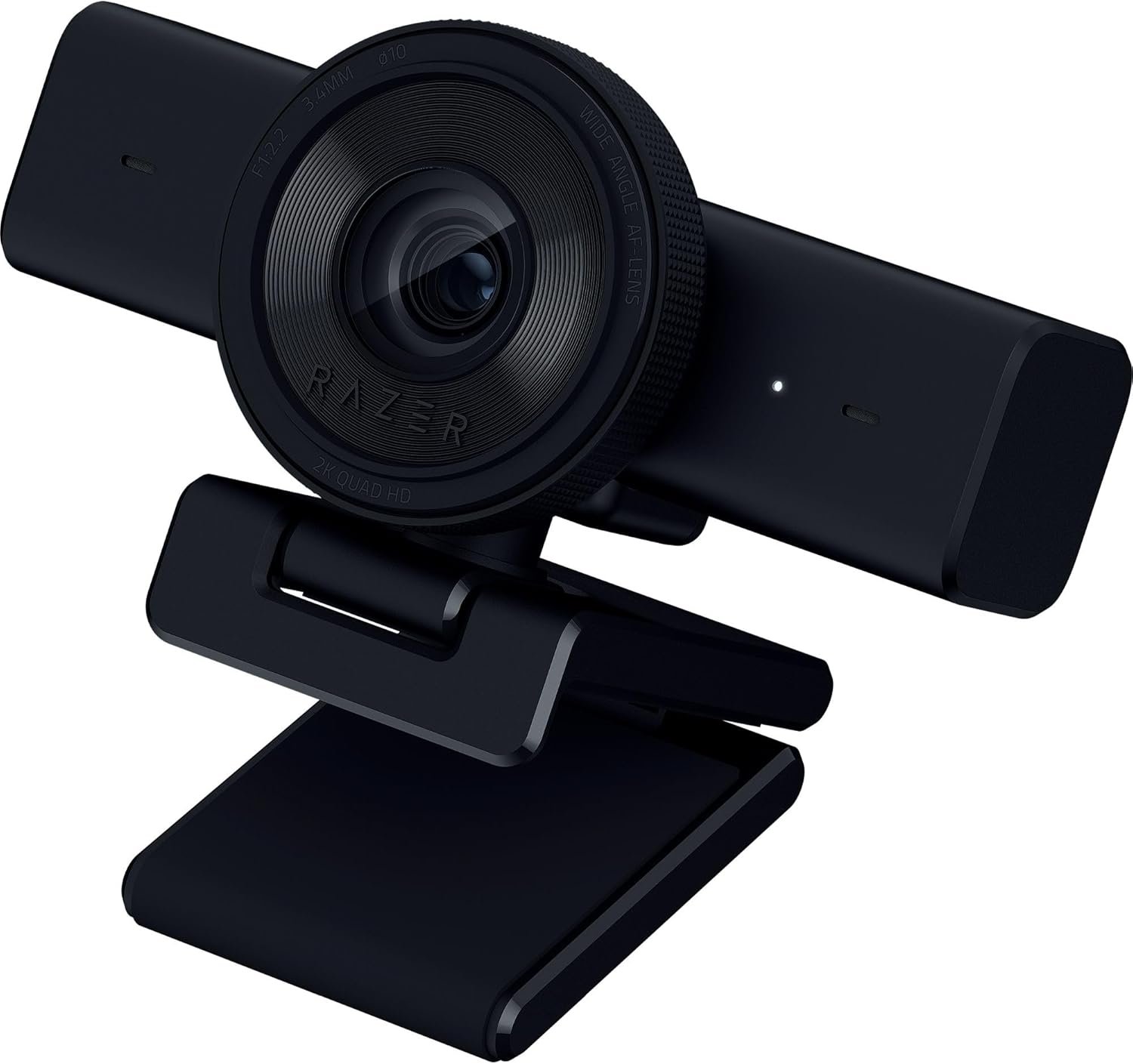
- Alternative: Razer Kiyo X. It’s often cheaper and handles low light slightly better.
- Setup Tip: Download the software (Logi Tune or Razer Synapse) and turn off “Auto White Balance.” It stops you from looking like a ghost.
3. The Lighting: Neewer 2-Pack USB LED Lights ($30 – $40)
This is the secret sauce. A $500 camera looks trash in the dark. A $60 camera looks professional with good lighting.
Our Pick: Neewer USB LED Video Lights Don’t buy a ring light (reflections in glasses are annoying). Get these panel lights. Put one to your left and one to your right. They are dimmable and come with color filters to give your background that “Cyberpunk” purple/blue vibe.
4. The Boom Arm: InnoGear Mic Arm ($15)
Remember the vibrations we talked about? You need to get that mic off your desk and close to your mouth.
Our Pick: InnoGear Microphone Arm It’s cheap. It’s metal. It works. There is no reason to spend $100 on a boom arm when you are starting out. It hides your cables and makes you look like a pro radio host.

5. The Capture Card (Console Streamers Only): EVGA XR1 lite ($90)
Skip this if you play on PC. If you want to stream your PS5 or Switch 2 to your PC (to use OBS overlays), you need a capture card.
Our Pick: EVGA XR1 lite It captures 1080p 60fps flawlessly and allows 4K passthrough (so you can play in 4K on your TV while streaming). It is half the price of an Elgato and does the same job for beginners.

Total Cost Breakdown
- Mic: $55
- Cam: $65
- Lights: $35
- Arm: $15
- Total: $170 USD (PC Setup) / $230 USD (Console Setup)
Conclusion
You still have budget left over! Use the extra cash to buy a cool overlay pack or a game to stream. Remember: Gear helps, but content is what keeps people watching. Start with this setup, grow your community, and upgrade later.